Live Webinar 07/28: Learn how to build marketing campaigns that capture demand during fall, your biggest enrollment window. Register

Opus1

Make the Most of Every Room, Instrument, and Hour

Resource Optimization

Opus1 helps you assign, track, and maximize the use of your school’s physical resources—so you get more out of every studio, classroom, and piece of equipment without overbooking or guesswork.

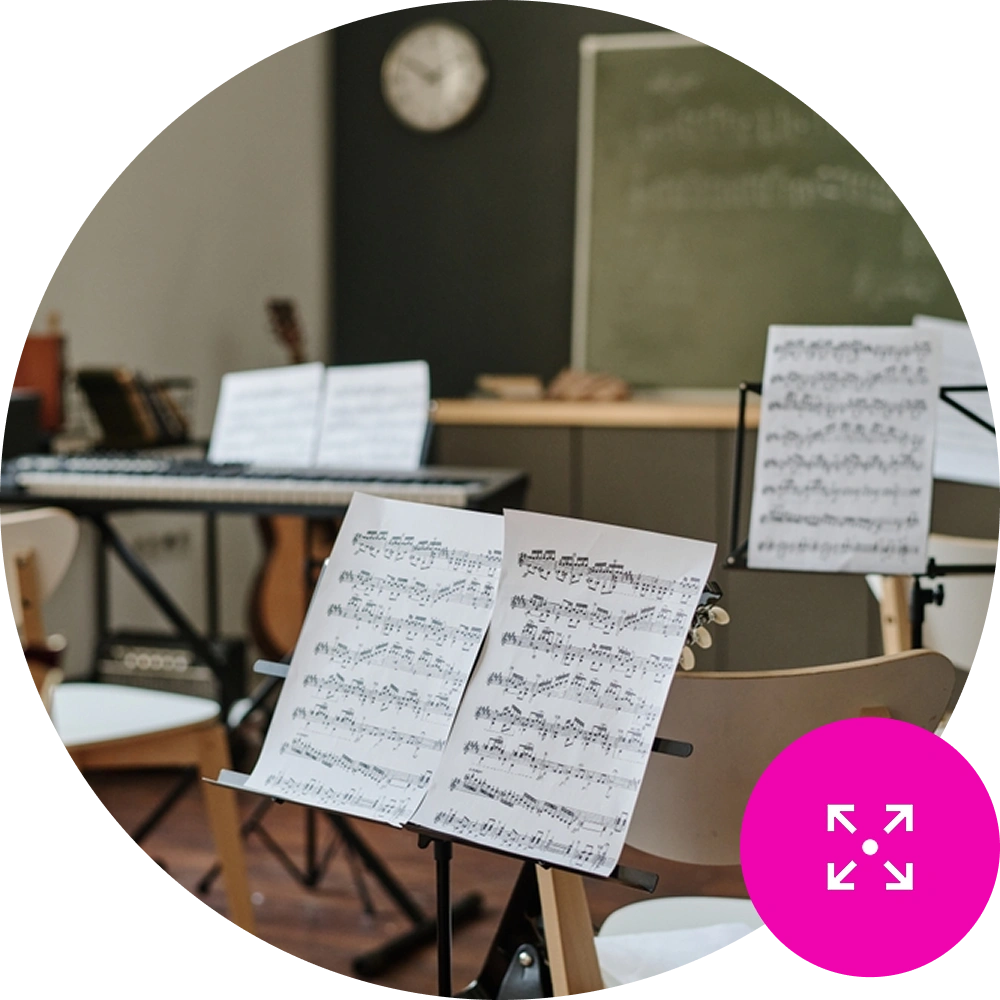
Sheet music on a stand in an empty music classroom - Resource Management Icon in the bottom right on brand pink background

Take control of your space and eliminate scheduling conflicts before they happen.

Your rooms, instruments, and instructors are some of your most valuable assets. Opus1 helps you schedule them intelligently, avoid bottlenecks, and make better use of what you already have—without needing to expand or micromanage.

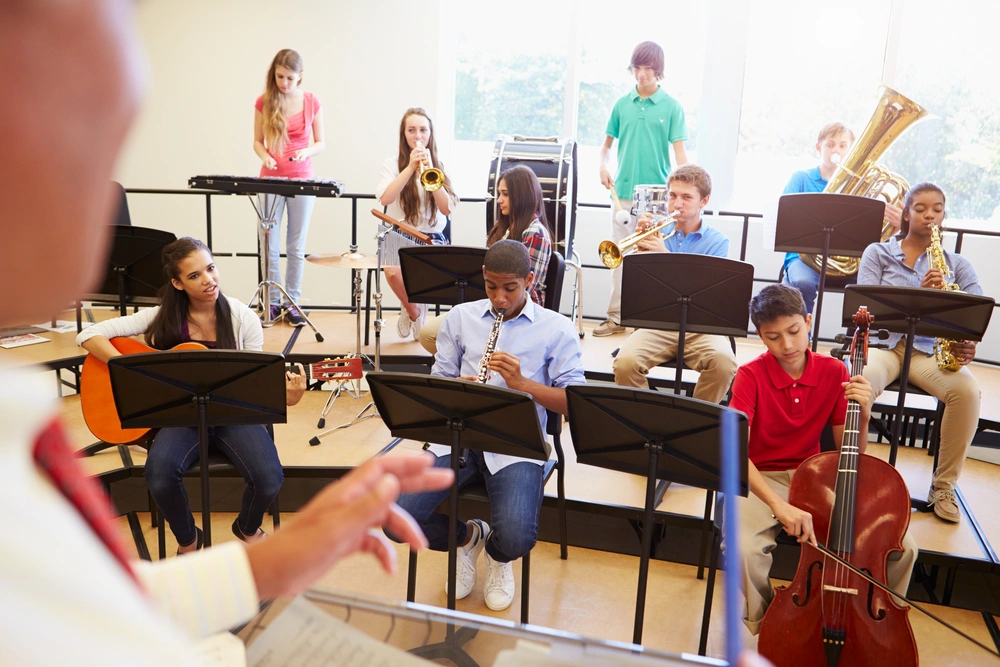
Highschool band class - kids with various musical intruments on risers

Room and Equipment Scheduling

Assign rooms, pianos, or other resources to lessons and events—and keep everything conflict-free.

  • Set availability for each room or resource

  • Automatically check for and prevent double-bookings

  • Assign resources per class, instructor, or time slot

Availability Rules and Usage Limits

Define how, when, and by whom each resource can be used—down to the hour.

  • Create custom rules by program, instructor, or location

  • Limit certain resources to specific times or users

  • Automatically enforce restrictions during scheduling

Woman sitting at piano teaching three kids, two of them standing next to her and the other sitting on the bench
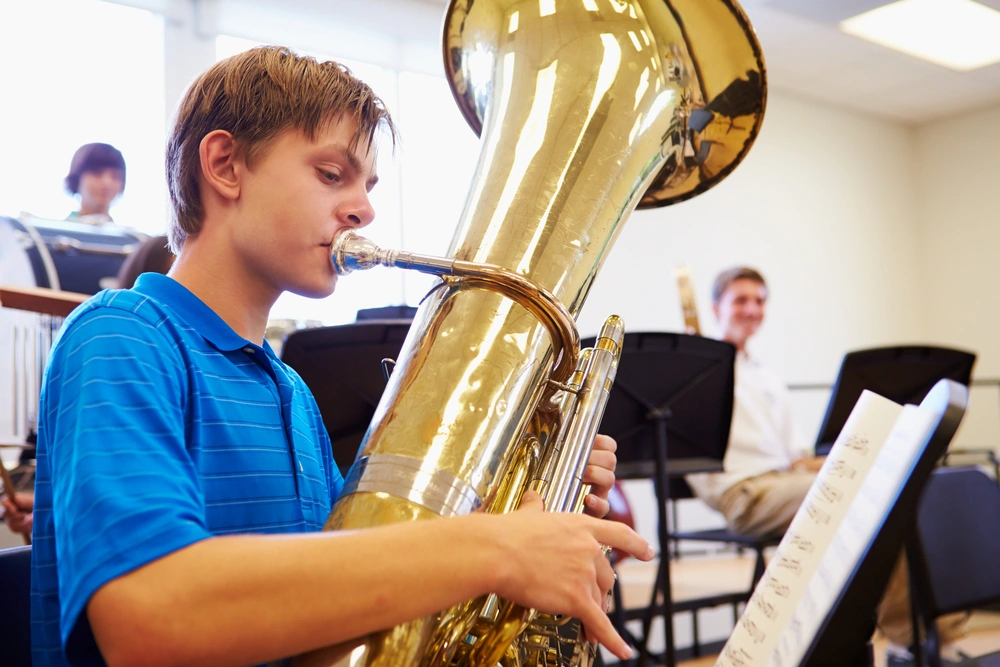
High school aged boy in blue shirt playing the tuba in orchestra class

Visibility Into Utilization and Gaps

Spot inefficiencies and make smarter scheduling decisions with clear insights into usage.

  • View room and equipment utilization over time

  • Identify peak and underused hours

  • Optimize for growth without overextending staff or space

Real Results from Real Studios

Whether you’re just getting started or scaling across multiple locations, Opus1.io helps schools run smarter. See what our users have to say.

  • “Opus1 has completely streamlined our scheduling and communication. It’s intuitive, powerful, and has transformed how we run our music school day to day.”

    Christopher Louis Jorge

    Seven Drum City

  • “Opus1 brought everything together—lessons, payments, communication, reports—all in one system. It’s simplified our operations and helped us grow with confidence.”

    Katherine Knight

    Melody Magic Music Studio

  • “Opus1 streamlined our entire operation into one platform. It’s improved the experience for students, teachers, and staff—and we truly feel like a partner, not just another user.”

    Parker Butterworth

    Mason Music

  • “Opus1 gave us the automation we needed—billing, makeup lessons, texting, everything. It’s intuitive, built for music schools, and the support team has been incredible every step of the way.”

    Marlayna Goosby

    Grow Your Gift Conservatory of Music

Frequently Asked Questions

How do availability rules work?2026-06-29T15:34:10+00:00

You define when, how, and by whom each resource can be used. Rules can be set by program, instructor, or location and are automatically enforced during scheduling so nothing slips through.

What types of resources can I manage in Opus1?2026-06-29T15:33:40+00:00

Rooms, instruments, pianos, and other equipment — anything your school assigns to lessons or events can be tracked and scheduled through the same system.

How does Opus1 prevent double-bookings for rooms and equipment?2026-06-29T15:33:16+00:00

Opus1 automatically checks availability when a session is scheduled and blocks any resource that’s already in use, so conflicts are caught before they happen.

What does this look like for a school with multiple locations?2026-06-29T15:35:34+00:00

Resource schedules, availability rules, and utilization data are managed across all locations in one place so your admin team has a consistent view without switching between systems.

How do I spot underused rooms or equipment?2026-06-29T15:35:09+00:00

The utilization view shows room and equipment usage over time, including peak and underused hours, so you can make smarter decisions about space and staffing without guesswork.

What if I need to limit a resource to specific users or time slots?2026-06-29T15:34:45+00:00

Restrictions are built into the scheduling rules. Once set, Opus1 enforces them automatically without requiring manual oversight from your admin team.


Get started today

See Opus1 In Action

Learn how Opus1 can support your school’s programs, workflows, and growth goals.

Go to Top